


April 24, 2026


Why Shopify Is a Popular Choice for E-commerce in Ukraine
In 2004, programmer Tobias Lütke moved to Canada and decided to sell snowboards online. None of the existing platforms satisfied him in terms of either ease of setup or reliability. So he wrote his own, launched the Snowdevil store, and soon realized that the platform was far more interesting than snowboards.
In 2006, it became Shopify.
Today, it hosts over 5.5 million active stores in 175 countries, and in 2024, $292.3 billion in merchandise volume passed through the platform.
For Ukrainian businesses, Shopify has become particularly relevant since 2022. The e-commerce market in Ukraine did not stop even during the full-scale invasion: in 2024, Ukrainians purchased goods and services online worth 239 billion UAH, which is 25% more than in 2023. In this context, Shopify has several advantages.
There are also limitations you should be aware of right away. Shopify is a SaaS platform with a monthly subscription, and as your revenue grows, transaction fees for third-party payment gateways are added. Extensive customization of business logic requires either developing your own apps or upgrading to Shopify Plus. However, for most Ukrainian e-commerce projects at the startup stage and during active growth, these limitations are not critical.
| Criterion | Shopify | WooCommerce | Custom development |
| Start | 2-4 weeks | 3-6 weeks | 3-9 weeks |
| Technical team | Not needed | Desirable | Required |
| Hosting | Included | Own (~$20-$200/month) | Own |
| Transaction fee | 0.5-2% (for third-party gateway) | Missing | Missing |
| Customization | Medium | High | Complete |
| Scaling | Automatic | Manual | Depends on the architecture |
| Startup cost | From $500 | From $1000 | From $15,000 |
| Monthly expenses | $39-399+ | $50-500+ | $200-3000+ |
Price ranges are guidelines for the Ukrainian market as of 2025-2026 and depend on the complexity of the project and the contractor.
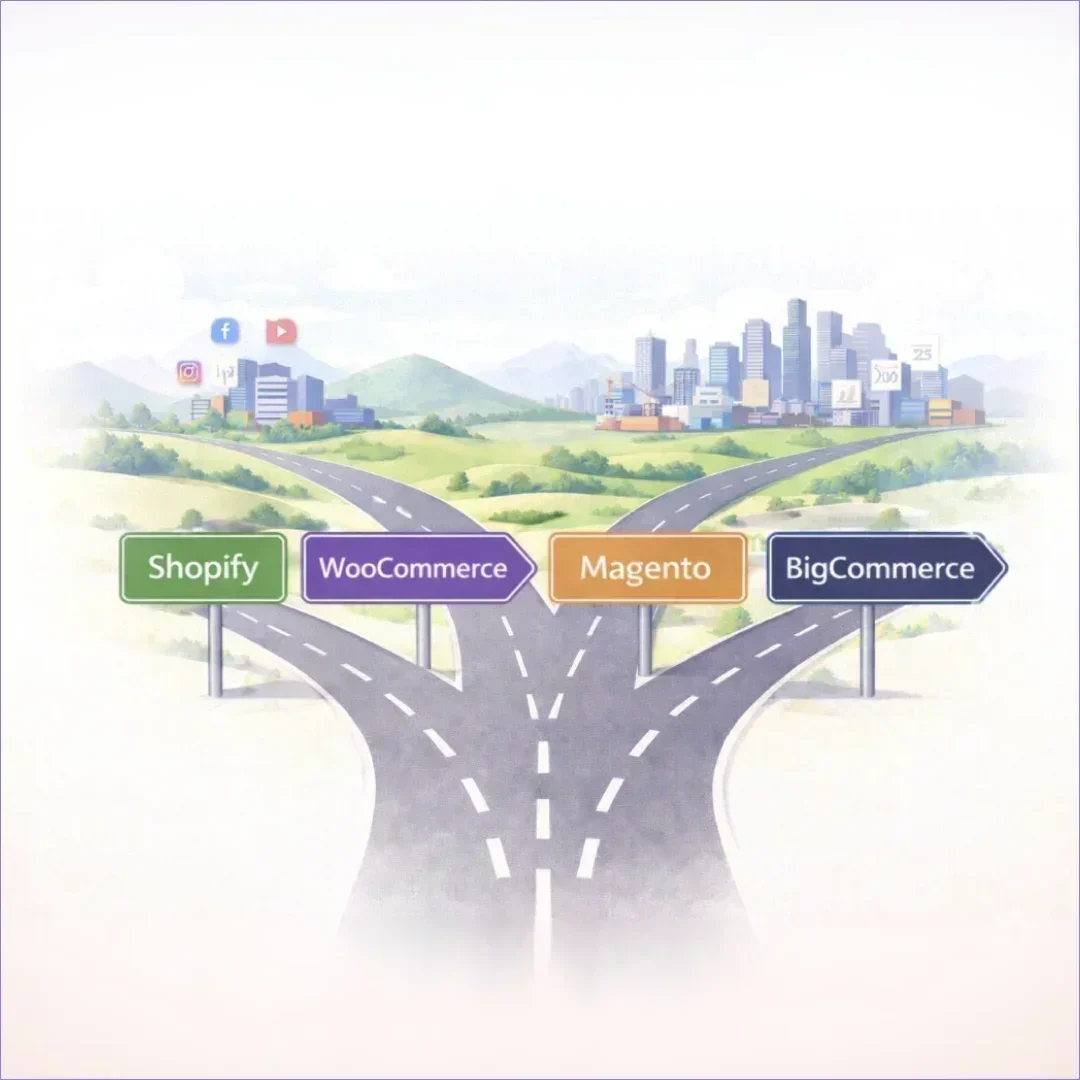
Shopify is the best choice if you need to get to market quickly with a relatively standard product catalog and don’t have your own technical resources. Fashion, cosmetics, home goods, children’s products, and small manufacturers with online sales—these are the typical characteristics of a successful Shopify store. The platform handles volumes ranging from a few dozen to several thousand SKUs well.
WooCommerce has the edge when a business is already built on WordPress. For example, a media or content site with a store as an additional channel. Or when you need full control over the code without monthly subscriptions. But every server upgrade and every incompatible plugin falls on the shoulders of the owner or developer.
Custom development is justified when the store’s operational logic differs significantly from the standard: complex B2B pricing, specific document workflows, deep integration with an ERP or a proprietary production system. This is not a Shopify configuration or a plugin. It is a separate software product with its own timeline and budget.
Real-world experience shows that mistakes in this choice come at a high cost.
The British fitness brand Gymshark outgrew its initial platform and switched to Magento. The site took 6–8 months to build and cost hundreds of thousands of dollars, but by the time it finally went live, the company had already outgrown it again. On the next “Black Friday,” the site went down for 8 hours, resulting in losses of over $143,000. Gymshark returned to Shopify Plus and generated £41 million in sales in 2017.
But there are also counterexamples. Adobe Commerce (Magento) is the choice of brands like Coca-Cola and Ford precisely because standard platforms cannot handle the level of their business logic and traffic. The platform provides full control over the architecture where it’s truly needed.
The conclusion is simple: there is no objectively better or worse platform. There are platforms that are suitable or unsuitable for a specific stage and type of business. Gymshark made a mistake not because it chose Magento, but because it chose it too early. And you can just as easily make the opposite mistake: opting for a custom solution where a standard one would suffice, and spending a year on development instead of a month on launch.
When paid annually, each tariff is 25% cheaper.
For most startups, Basic covers all needs: unlimited number of products, support for several sales channels, basic analytics. Grow makes sense when the monthly turnover exceeds $5,000. Then the reduced transaction fee pays for the difference in the price of the tariff. Advanced is advisable for turnover from $30,000/month and above, when savings on commissions become a significant item.
An important detail for Ukraine: Shopify Payments is not available here as a built-in payment system, so a third-party payment gateway is always used. This means an additional fee: 2% on the Basic plan, 1% on the Grow plan, and 0.6% on the Advanced plan. This is in addition to the gateway’s own fees. When planning your store’s unit economics, you need to factor this percentage into your margin from day one.
The theme determines the store’s appearance and navigation logic. Free options, such as Dawn, Refresh, and Sense, are perfectly suitable for getting started. They are responsive, fast, and support multiple languages. Paid themes cost between $140 and $350 and typically offer more extensive customization options and built-in conversion blocks. Basic changes (colors, fonts, block layout) are made via a visual editor without coding. If a unique design is needed, a developer makes changes using the platform’s proprietary Liquid template language.
The platform does not limit the number of SKUs. Products are organized into collections manually or automatically (by tags, price, availability). Product variants (size, color, material) are added to the product card and automatically generate separate SKUs. Bulk import is done via CSV, which is essential when migrating from another platform or for catalogs with 100+ items.
Both payment gateways are connected via third-party apps or custom integration. There is no official support for Shopify Payments in Ukraine.
Shipping is configured via the Settings → Shipping section. For integration with Nova Poshta and Ukrposhta, there are ready-made apps in the App Store that automatically calculate shipping costs based on weight, generate waybills, and send tracking numbers to the buyer. Delivery zones, free shipping thresholds, and regional restrictions are configured separately for each rule.
Each product card and collection page has separate fields for meta title and meta description. The URL is generated automatically but can be edited manually. The platform supports sitemap.xml, canonical tags, and structured data for products. In other words, the basic technical foundation for search engine optimization is built-in.
The platform’s ecosystem includes over 16,000 apps, but a few categories are critical for the Ukrainian store.
Payment and Shipping. Chekly or alternatives to WayForPay, integrations with Nova Poshta (e.g., Nova Poshta Shipping). Without them, the basic operational cycle cannot be completed.
Reviews and social proof. Judge.me—free in its basic version—collects and displays reviews and supports the Cyrillic alphabet. Loox is a similar service focused on photo reviews, starting at $9.99/month.
Email marketing. Klaviyo – the standard for e-commerce solutions: automated abandoned cart emails, post-purchase sequences, and behavioral segmentation. Free for up to 500 contacts, then starting at $20/month.
Loyalty programs. Smile.io – points, referral program, VIP tiers. A free plan is available, but with limits on the number of orders.
Analytics. The platform’s built-in analytics are sufficient to get started. As you scale, connect Google Analytics 4 via standard integration or Triplewhale for cross-channel attribution.
The theme is chosen based solely on its appearance. A visually appealing theme with dozens of animations can result in Core Web Vitals scores below the acceptable threshold, which directly impacts Google rankings and mobile conversion rates.
The payment gateway is connected at the last minute. LiqPay moderation can take several business days, especially during the initial setup. If the launch is scheduled for a specific date, the gateway must be connected in parallel with development, not after it.
The catalog structure is set up later. Collection names, tags, and product attributes form the architecture that subsequently impacts SEO, filtering, and automation workflows. Reworking the structure after adding 500 products is significantly more expensive than planning it from the start.
SEO settings are ignored until launch. Meta descriptions, alt tags for images, and readable URLs—all of this is done once during setup and yields results 3–6 months after indexing. Launching a store without this means losing organic traffic from day one.
The mobile version isn’t tested on real devices. Viewing it through DevTools in a browser and on an actual budget iPhone or Android device are two different things. Overlapping buttons, forms that won’t scroll, and a checkout that breaks on a specific iOS version are classic issues.
Any Shopify developer in Ukraine will confirm that most of the issues described above arise from the lack of a clear sequence of actions.
At IWIS, work on e-commerce projects follows a fixed methodology that works equally well for a store with 50 SKUs and for a full-fledged fashion brand with hundreds of items.
Discovery. Before any setup, the team defines the business logic: product categories and their attributes, purchase scenarios, requirements for payment gateways and shipping, and planned integrations with accounting systems. We also assess whether the platform’s standard features are sufficient or if custom logic is required. For example, specific discount rules, B2B pricing, or complex product variant logic.
Catalog and theme architecture. The theme is selected based on both design and, more importantly, technical performance and alignment with the business scenario. Loading speed, filter support, and compatibility with required applications. The structure of collections and attributes is designed before products are added, ensuring that SEO, filters, and automations work from day one.
Integrations. Every integration (payment gateways, shipping, CRM, analytics) is tested in a staging environment before going live. Special attention is paid to the specifics of the Ukrainian market: gateway moderation, nuances of Nova Poshta’s API, and the correct transfer of order data between the platform and the client’s accounting system.
Launch and support. The first few weeks after launch reveal real customer behavior: where they drop off, which checkout steps cause abandonment, and which catalog elements aren’t performing as expected. It is during this period that the most critical changes to UX and conversion elements are made, while traffic is still low and the cost of error is minimal.
IWIS develops everything from small online stores to complex multichannel platforms for major brands. If you need Shopify development tailored to the specifics of the Ukrainian market, we invite you to discuss your project during a free consultation.